
1099 Ledger
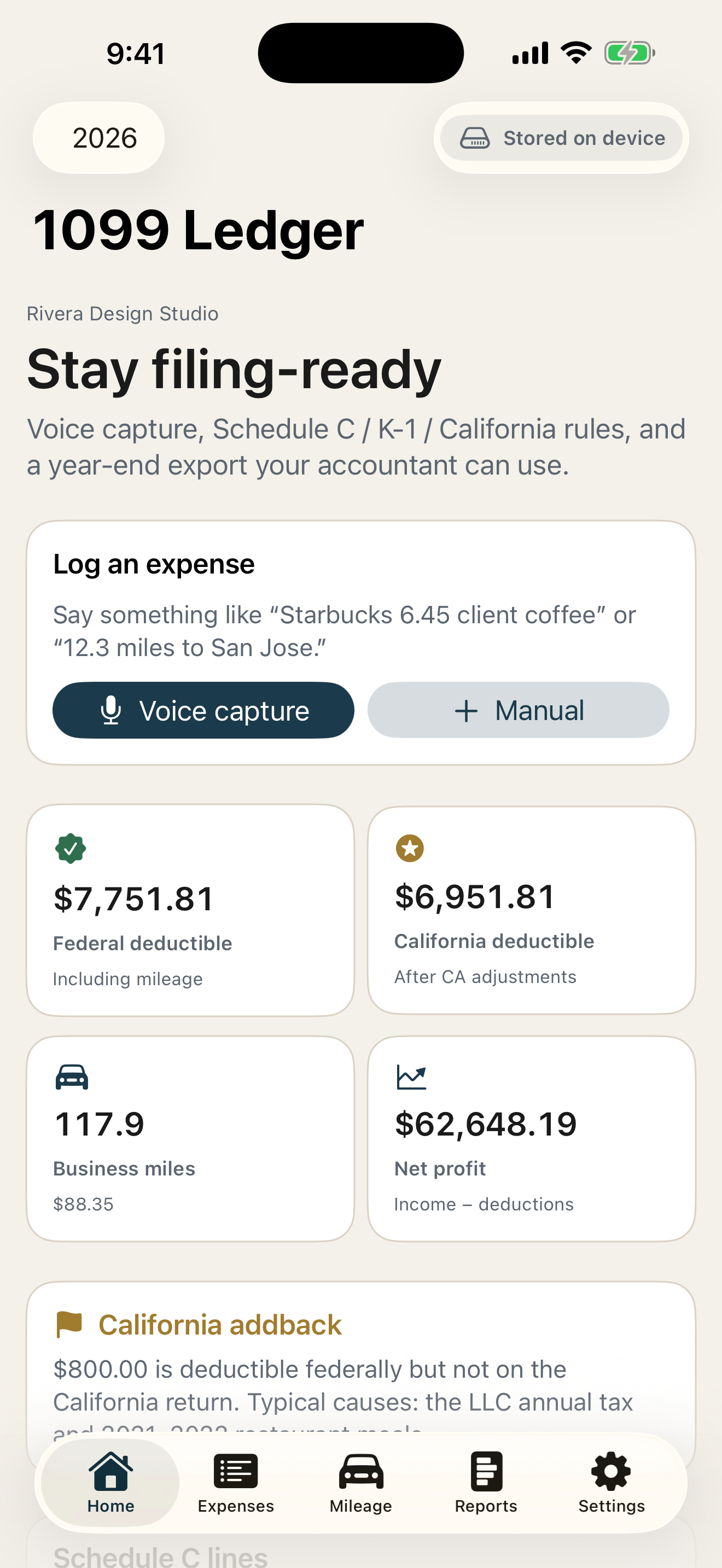
Bookkeeping for US contractors, freelancers, and gig workers: voice capture, official IRS mileage rates, Schedule C mapping, and quarterly estimates that show their work. No account, no ads, no tracking.
A look inside
About 1099 Ledger
Every untracked mile is 76 cents you handed back, and every lost receipt is a deduction you will never claim. 1099 Ledger is bookkeeping built for US independent contractors, freelancers, and gig workers — real IRS rates, real due dates, and math you can check.
Every number traces to a source: the official IRS standard mileage rates, the Social Security wage base, the current federal brackets, and the actual quarterly due dates. Nothing writes itself into your books — every entry waits for your confirmation.
Capture in seconds
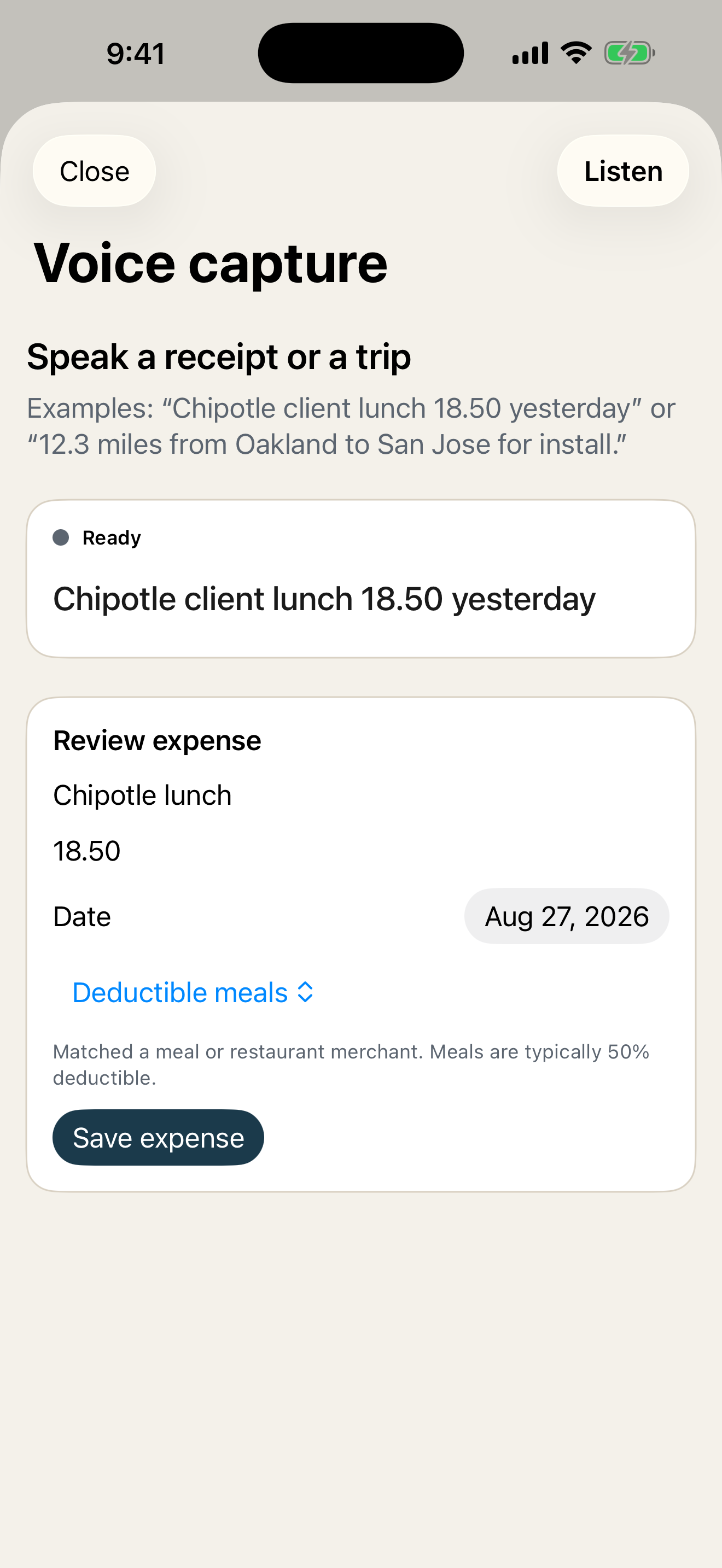
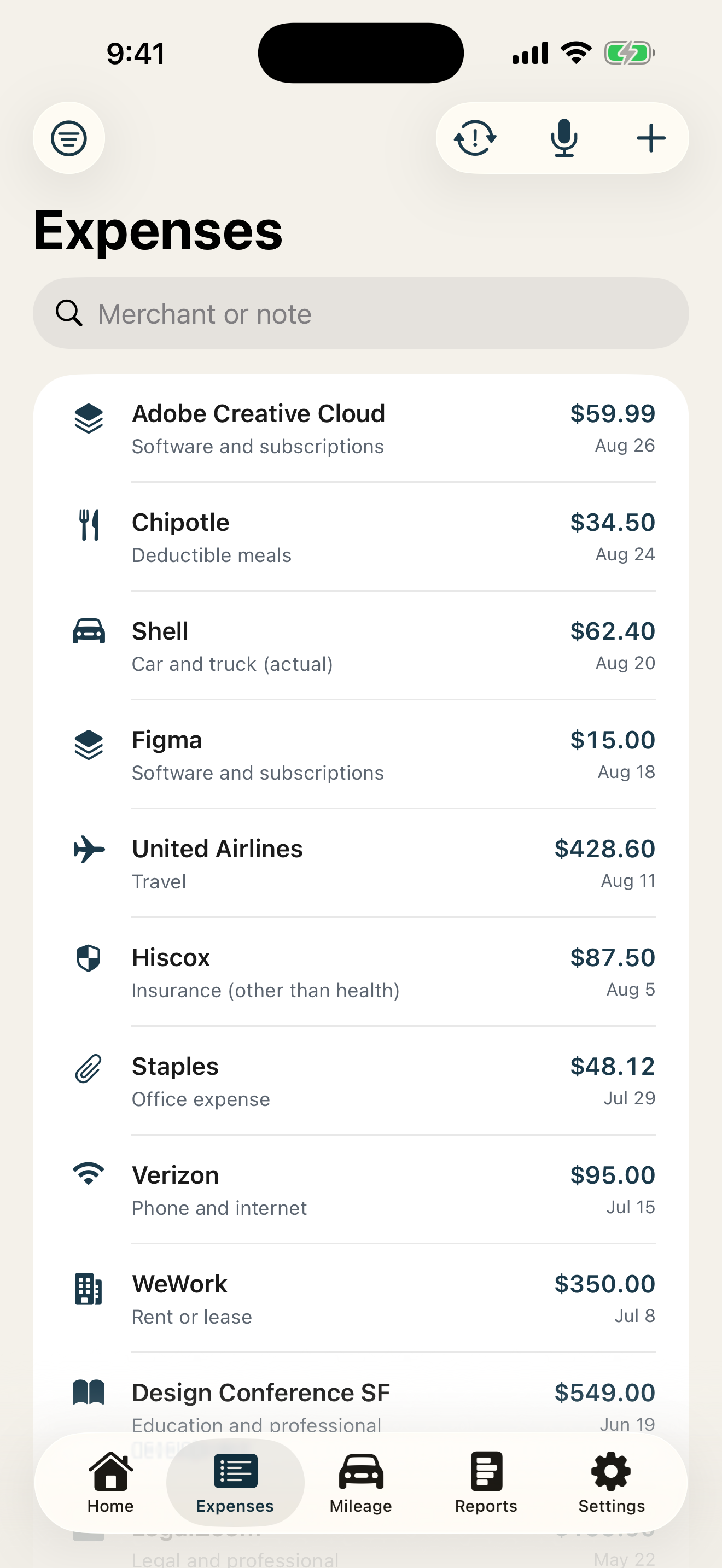
- Voice capture — say “Starbucks 6.45 client coffee” and a categorized draft appears for you to confirm
- Siri and Shortcuts, a home-screen widget, and a Control Center or Lock Screen button
- Receipt scanning that reads merchant, total, and date, with OCR running entirely on-device
- Bank and card CSV import with automatic categorization and duplicate detection
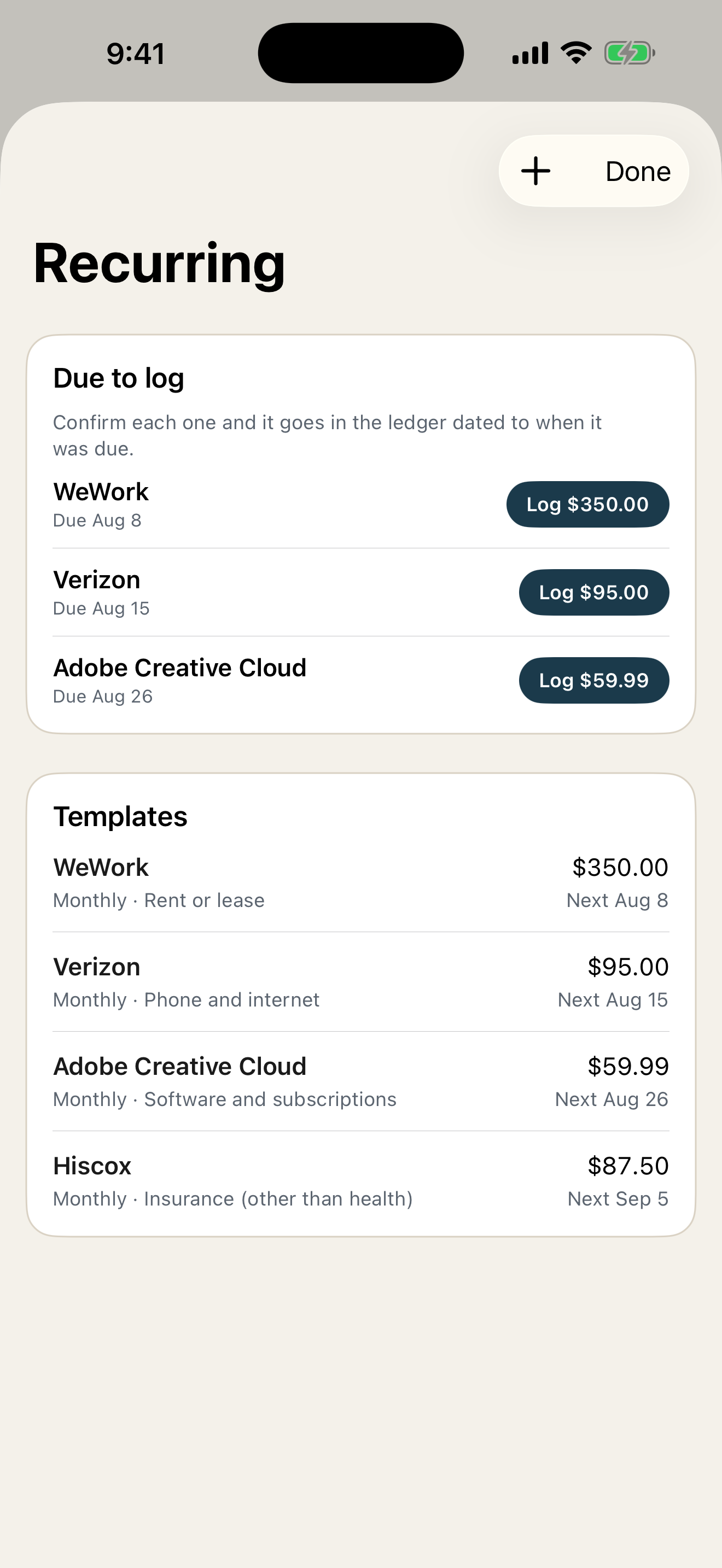
- Recurring templates that propose scheduled entries instead of writing them
Mileage that matches the IRS
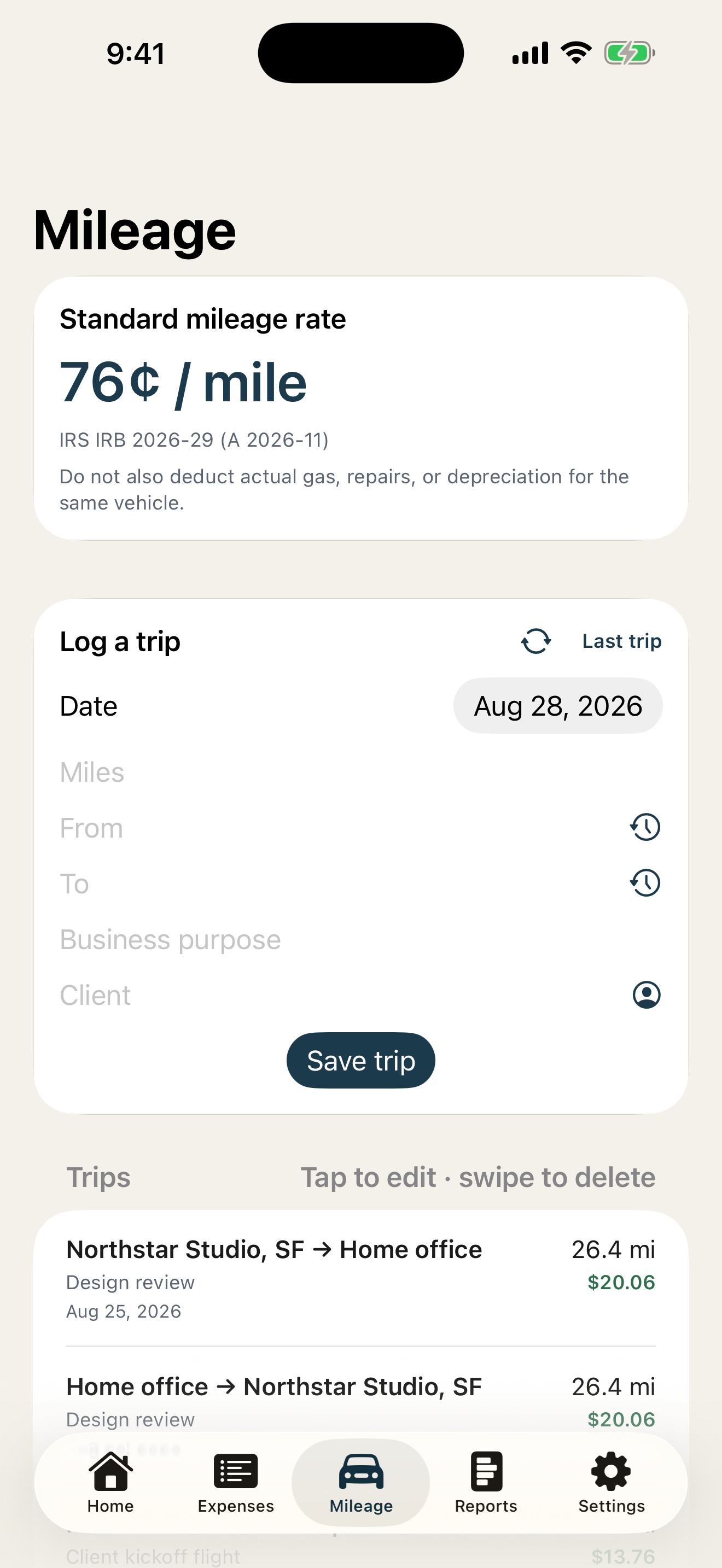
The official standard rates are built in and applied by trip date, including the 2026 mid-year split — 72.5 cents per mile through June 30, then 76 cents from July 1. Repeat or reverse a past trip in one tap.
A tax engine that shows its work
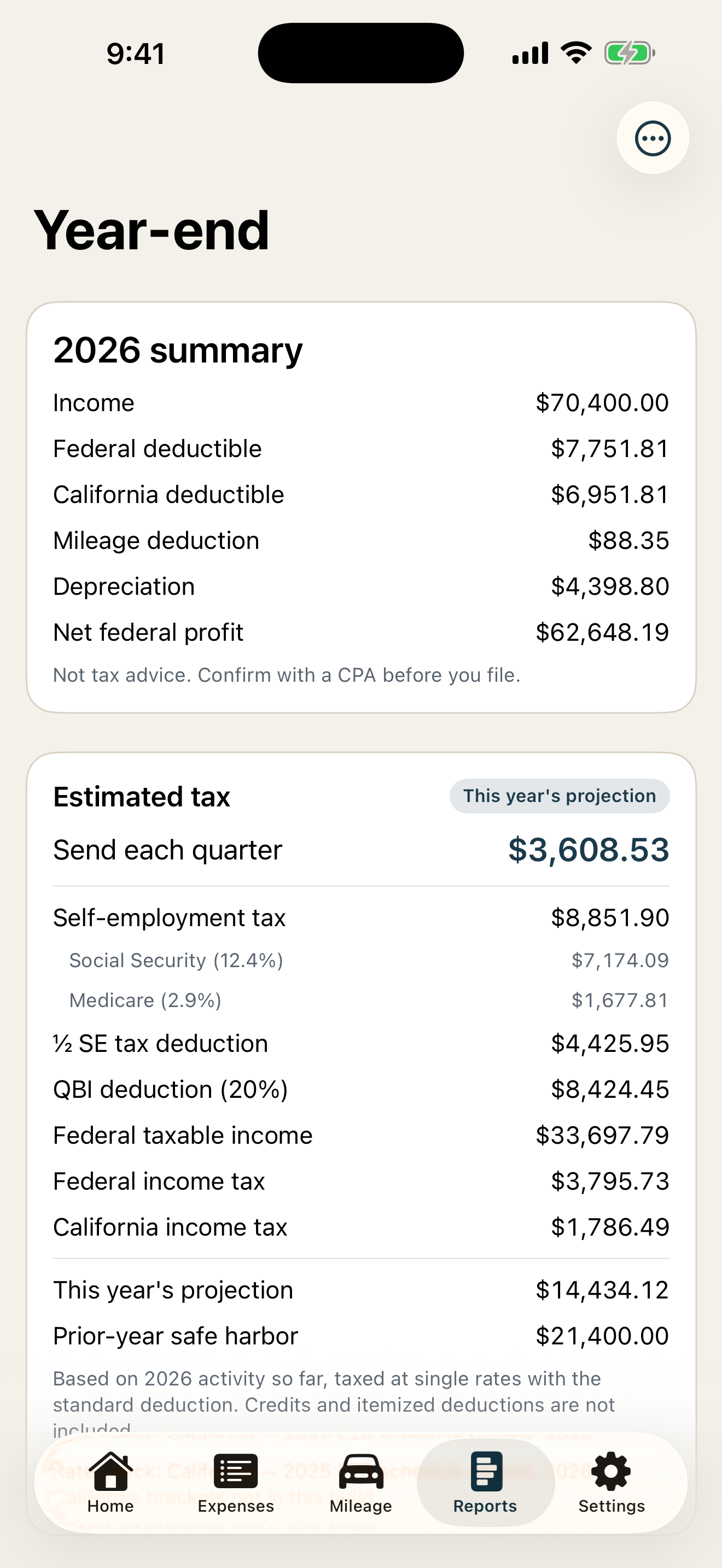
Not a spending tracker with renamed categories: every expense maps to its Schedule C line, and the numbers roll up to what you will actually owe.
- Schedule C line mapping and K-1 support
- Self-employment tax: Social Security wage base, Medicare, and Additional Medicare
- QBI (Section 199A) with the real thresholds
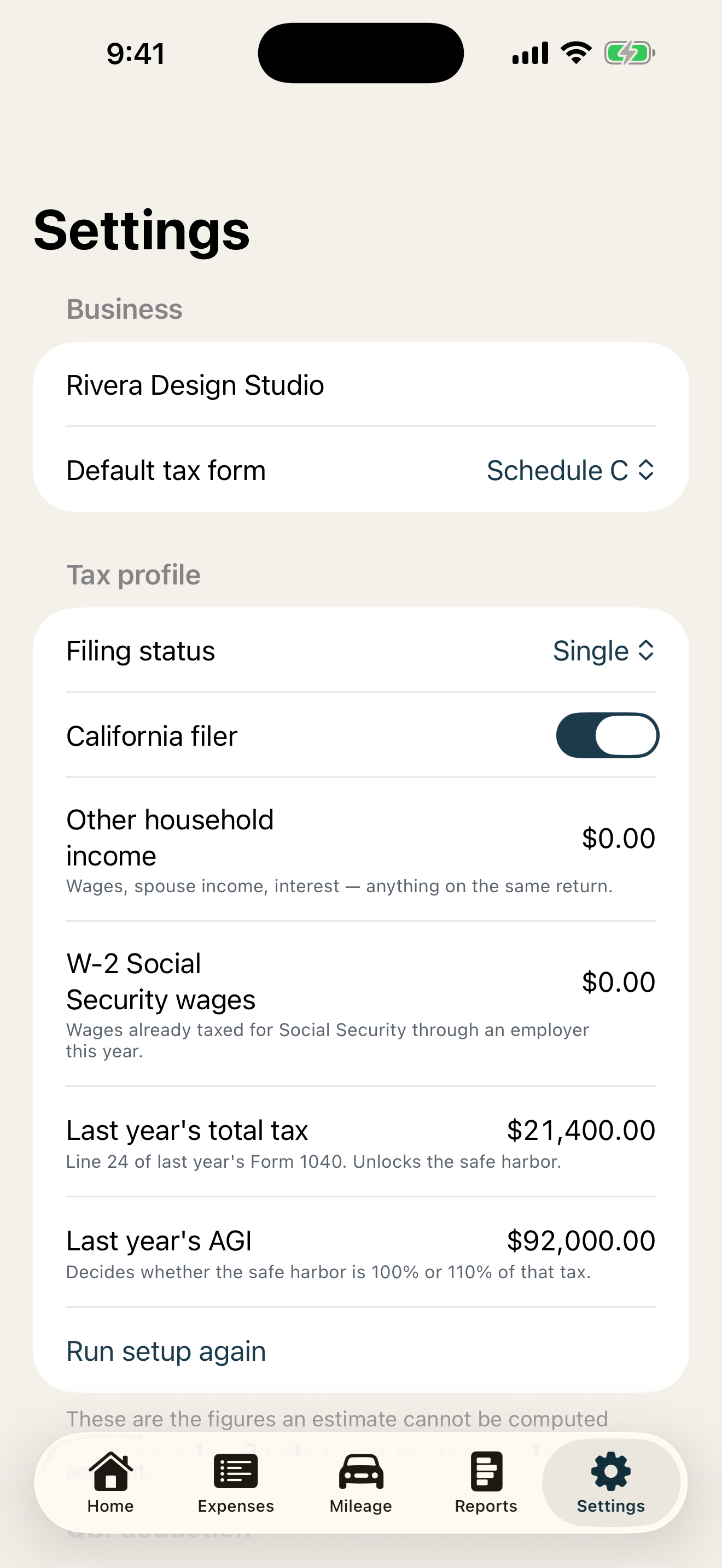
- Federal brackets, the standard deduction, and prior-year safe harbor (100%/110%)
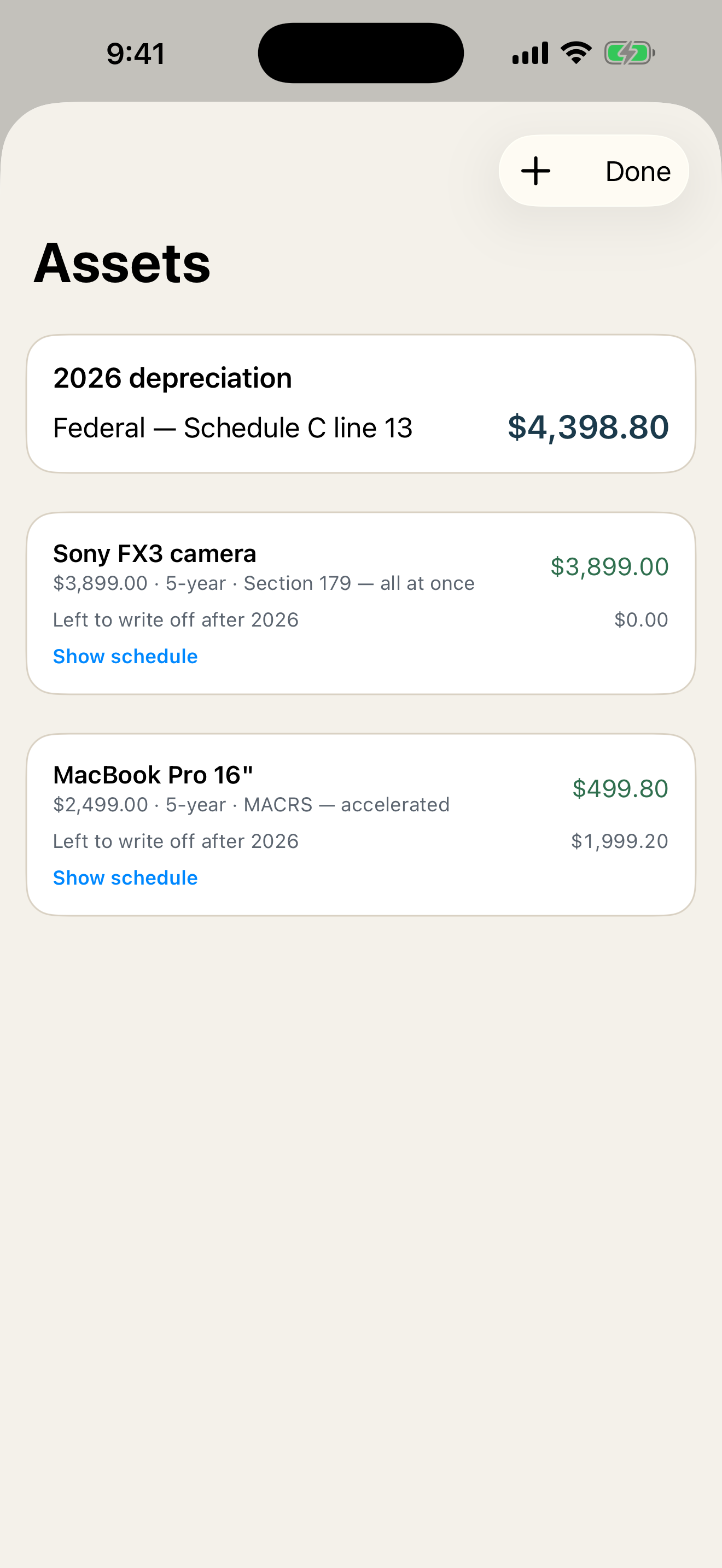
- Assets and depreciation: MACRS, straight line, Section 179, business-use share
- Home office simplified method — $5 per square foot, up to 300 square feet
Federal everywhere, California in depth
Everything above is federal and works wherever you file. If you file in California, the engine also models where the state parts company with federal — nonconformity on meals, depreciation, and the franchise tax, plus the state’s Section 179 cap — and produces the adjustment for you. File anywhere else and the California column simply is not there.
Quarterlies without guessing
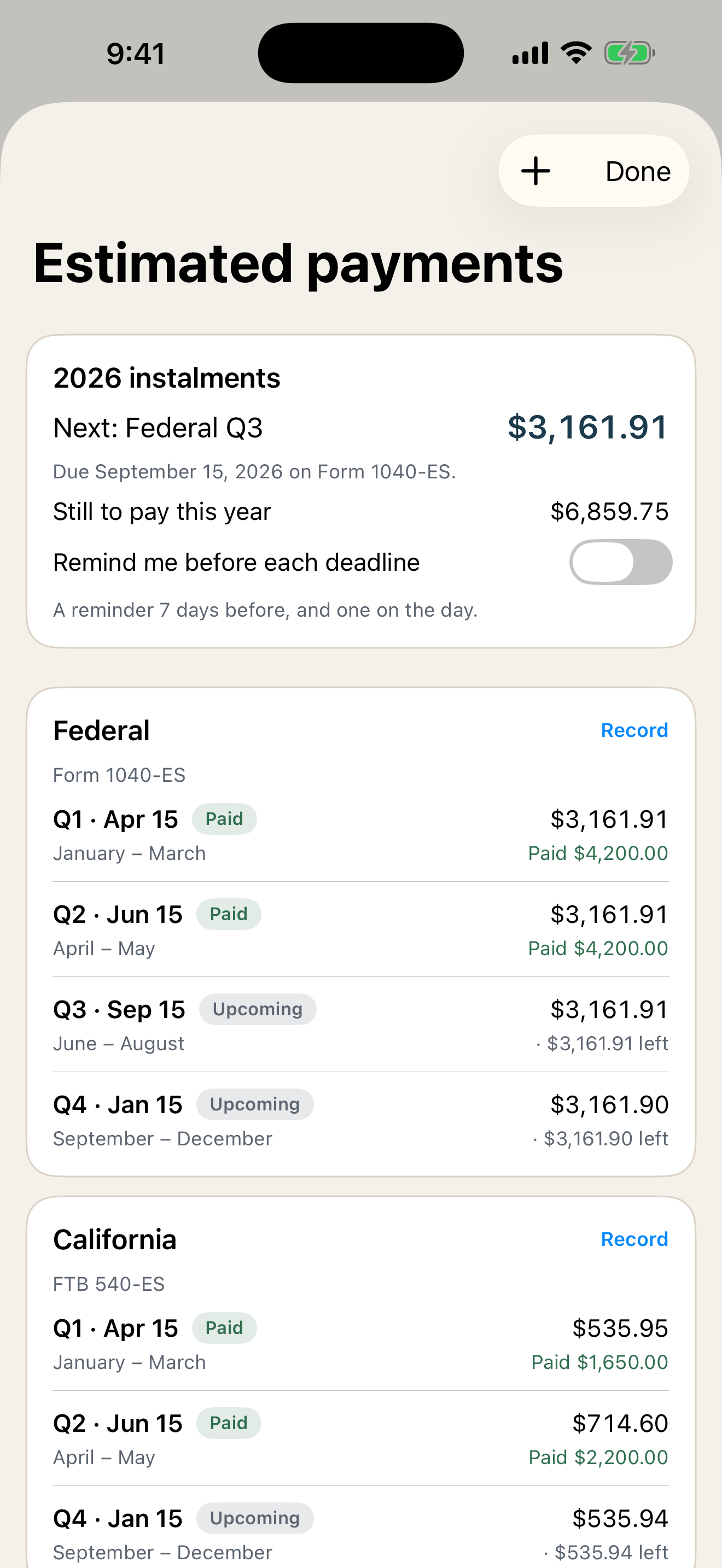
Real due dates, with the federal four equal installments alongside California’s 30/40/0/30 schedule. Track each payment, and turn on optional local reminders before every deadline.
Stay reconciled
- 1099-NEC reconciliation flags payers over $600 who never sent a form
- Per-client profit: income minus tagged expenses and mileage
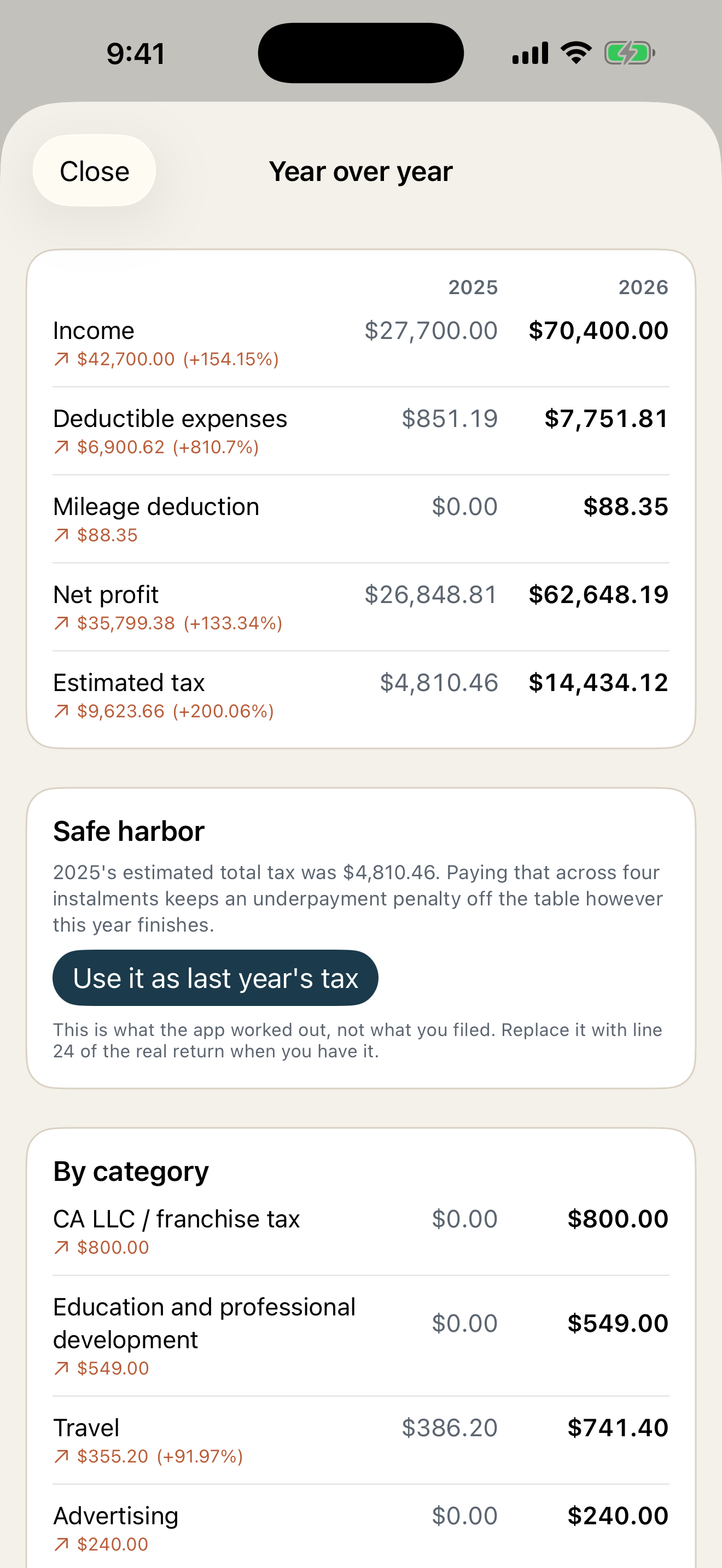
- Year-over-year comparison that feeds your safe-harbor number
- Year-end export — a PDF packet for your accountant, plus a CSV
Private by architecture
Your data lives in your private iCloud database with an on-device copy that works offline — or entirely on-device if you are not signed in to iCloud. There is no account to create, no tracking, and no ads.
Pricing, plainly
The free plan includes 10 expenses and 5 voice captures each month. 1099 Ledger Pro is an auto-renewing subscription — $7.99 per month or $69.99 per year — and unlocks unlimited logging, the year-end accountant export, and optional AI deduction suggestions. Manage or cancel anytime in Settings.
1099 Ledger is a bookkeeping aid, not tax advice. For decisions about your specific situation, talk to a tax professional.